ChatGPT
 Perplexity
 Claude

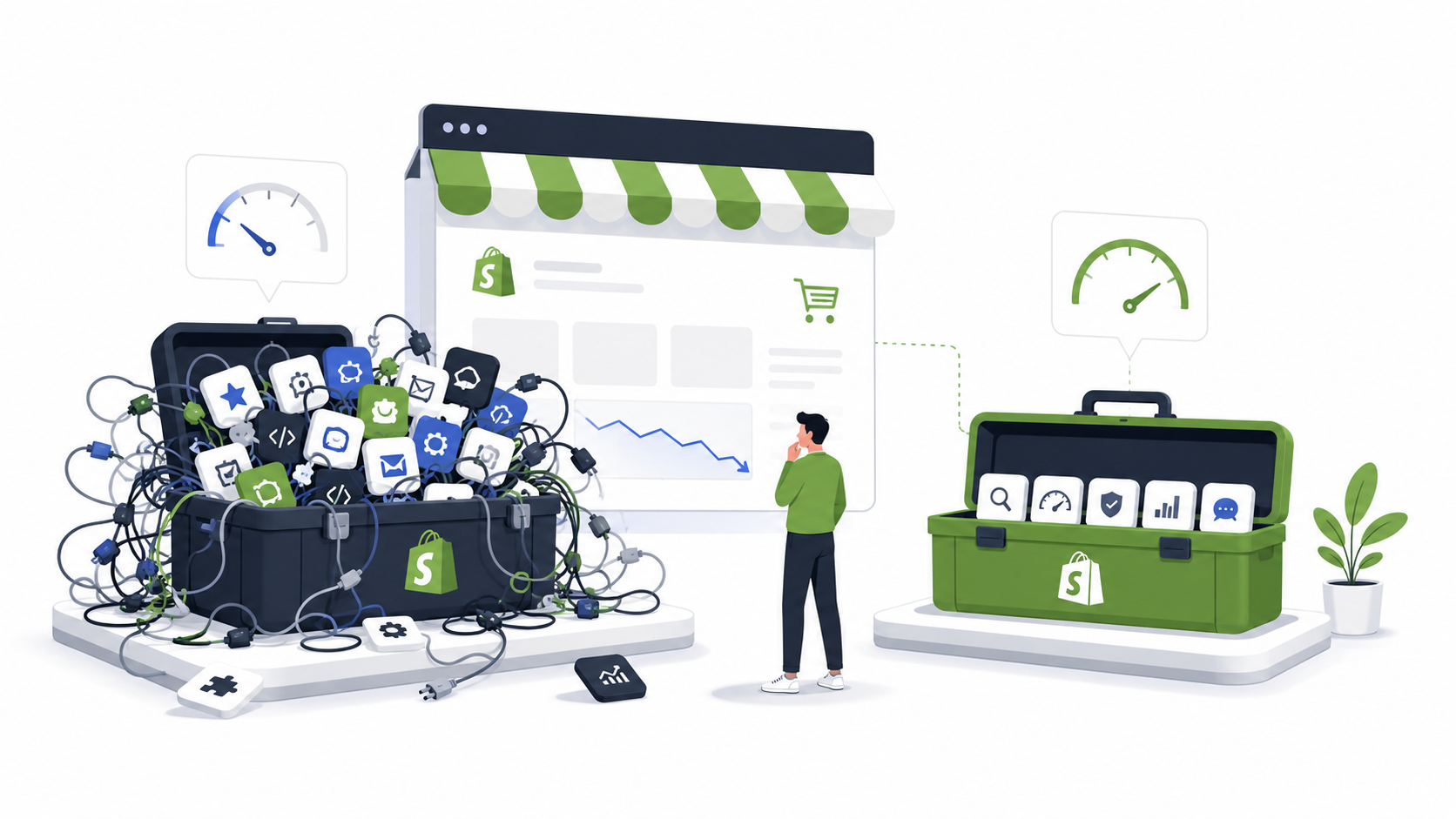
Every founder eventually reaches this stage. Sales slow down. Customer support gets busier. Marketing costs increase. The website feels slower than before.
Summarize this post in AI's:
The first instinct? “Let’s install another app.” Ironically… that’s often what makes the situation worse.
We’ve seen Shopify stores with only 8 carefully chosen apps outperform stores running 35+ different integrations. The difference wasn’t traffic. It wasn’t budget. It was discipline.
This guide covers the ten Shopify app and Shopify tech stack mistakes we see most often—and how to avoid them before they start affecting your growth.
📌 TL;DR
More apps rarely means a better store — every install is another subscription, another script, and another thing that can break.
A tool earns its place only if it grows revenue, improves the customer experience, saves your team time, or cuts operational work.
Run a quarterly app audit: remove overlap, drop anything Shopify now does natively, and keep the stack lean.
A Shopify app should do at least one of these: increase revenue, improve customer experience, save your team time, or reduce operational work. If it does none of those, it probably doesn’t belong in your store.
Before We Start…
Most Shopify stores don’t fail because they use the wrong app. They struggle because they slowly build unnecessary complexity. One app becomes five. Five become fifteen. Nobody remembers why half of them were installed. And before long, your technology starts creating problems instead of solving them. Let’s make sure that doesn’t happen.
Mistake 1: Installing an App for Every Tiny Problem
Need a countdown timer? Install an app. Need trust badges? Another app. Need sticky Add to Cart? Another app. Need product labels? You guessed it… another app.
Six months later, your Shopify admin looks like your phone after downloading every free app from the App Store.
Why it’s a mistake
Every app adds extra code, another subscription, another integration, and another thing that can break.
Better approach
Before installing anything, ask yourself: can Shopify already do this? Or, can one existing app already solve this? Sometimes the best app is the one you never install. Our 5-step framework for choosing the right Shopify apps walks through exactly how to decide.
Mistake 2: Paying for Features You’ll Never Use
We’ve audited stores paying for enterprise plans while using less than 10% of the available features. Fancy dashboards don’t increase revenue. Using the right features does.
Fix: Start small. Upgrade when your business outgrows the plan—not because the pricing page made the premium plan look irresistible.
Mistake 3: Ignoring Store Speed
Your homepage isn’t slow because of one app. It’s slow because of twenty small decisions made over time: extra JavaScript, extra CSS, tracking pixels, widgets, chat tools, review tools, popups. Together, they add up.
Fix: Every quarter, ask: “If we uninstall this app today, would anyone notice?” If the answer is no, remove it.
Mistake 4: Running Multiple Apps That Do the Same Thing
We’ve seen stores running two review apps, two popup apps, three analytics tools, and multiple email platforms. That’s not a tech stack. That’s confusion.
Fix: One excellent app is usually better than three average ones.
Mistake 5: Choosing Apps Based Only on Ratings
A 4.9-star rating looks impressive, but ask yourself: was it written by a business like yours? A fashion brand. A B2B wholesaler. A subscription business. A furniture company. The “best app” depends on your business model, not its rating.
Fix: Read reviews from stores that resemble yours.
Mistake 6: Forgetting Customer Support Matters
Every app works perfectly until it doesn’t. Integrations fail. APIs change. Updates introduce bugs. That’s when customer support becomes your most valuable feature.
Fix: Before installing an app, spend five minutes reading reviews about the support team, not just the product.
Mistake 7: Buying Enterprise Software Too Early
A startup with fifty monthly orders installs software designed for brands processing fifty thousand. Complexity isn’t a badge of honor. It’s an expense.
Fix: Buy tools for the business you have today, not the one you hope to have three years from now. Our complete Shopify tech stack guide for Indian D2C brands shows what to install at each stage.
Mistake 8: Never Reviewing Your Tech Stack
Technology changes. Shopify changes. Your business changes. Your software should too. Apps that were essential two years ago might now be built directly into Shopify.
Fix: Schedule a quarterly “App Audit.” Review:
- Are we still using this?
- Is there overlap?
- Does it still provide value?
- Can Shopify replace it?
Mistake 9: Chasing Every Trend
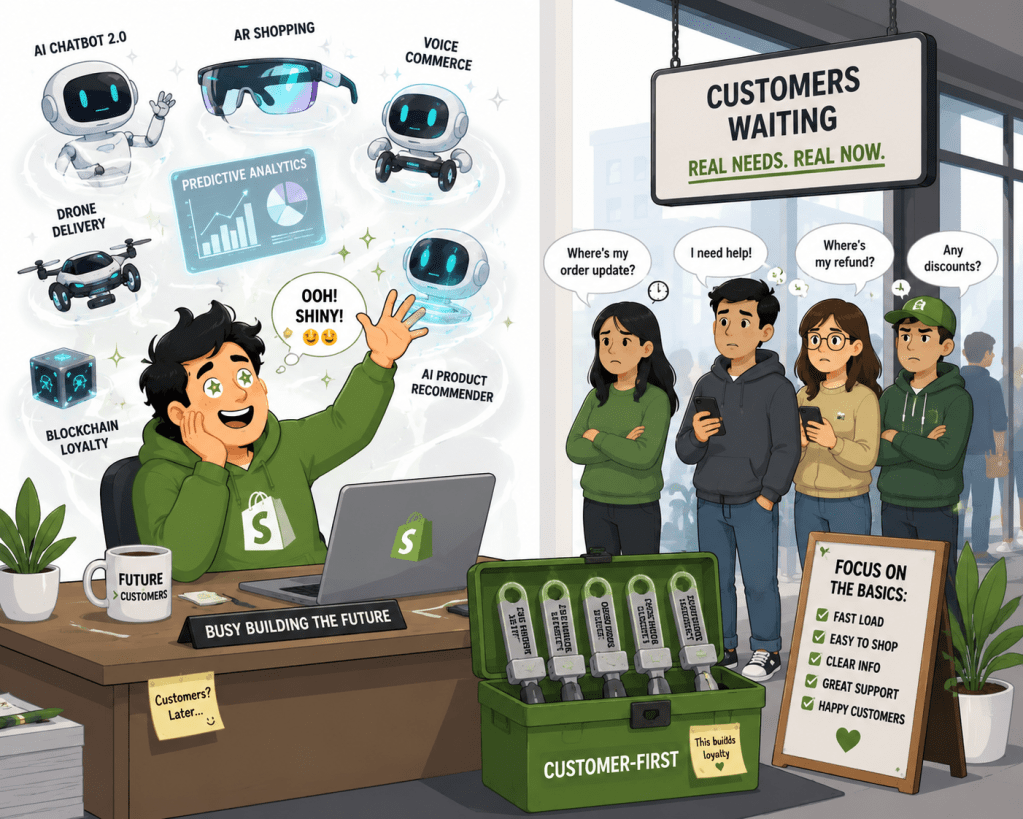
One month it’s AI. The next it’s headless commerce. Then composable architecture. Trends are exciting. Customers just want a great shopping experience.
Fix: Adopt technology because it solves a business problem, not because it’s trending on LinkedIn. If AI is on your list, start with our guide to AI shopping assistants for Shopify to see when it actually pays off.
Mistake 10: Thinking More Apps = Better Store
This is the biggest myth of all. The highest-performing Shopify stores we’ve worked with weren’t the ones using the most software. They were the ones where every app had a clear purpose.
The goal isn’t more apps. It’s better decisions.
Your 5-Minute Shopify App Audit
Before installing your next app, answer these questions:
- What business problem does this solve?
- Can Shopify already do this?
- Will my team actually use it?
- Can I measure the ROI?
- Does it integrate with the rest of my stack?
- Would I install it again if I were starting from scratch today?
If you hesitate, don’t click “Install” just yet.
Real Audit Stories
Numbers make this real. Here’s what these mistakes look like in practice.
- Audit Insight #1: We once reviewed a Shopify store with 27 installed apps. After removing 9 overlapping apps and consolidating functionality, the store became easier to manage and the merchant reduced recurring software costs, without losing key capabilities.
- Audit Insight #2: A growing D2C brand was running three separate popup and email-capture apps, each firing on the same pages. Consolidating into a single tool removed the on-site conflicts, cleaned up checkout speed, and cut app spend without any drop in signups.
- Audit Insight #3: One merchant was paying for an enterprise-tier subscription app but using a fraction of its features. Downgrading to a right-sized plan freed up budget that was redirected into a tool the team actually used every day.
Frequently Asked Questions
How many apps should a Shopify store have?
There’s no universal number. What matters is that every app has a clear, measurable purpose. We’ve seen lean stores with 8 apps outperform stores running 35+, because each tool in the smaller stack directly increased revenue, improved customer experience, or saved time.
Do more Shopify apps slow down my store?
Usually it’s not one app but the cumulative effect of many: extra JavaScript, CSS, fonts, and tracking scripts from apps that overlap or are no longer used. Auditing and removing unused apps each quarter is the most reliable way to protect site speed.
How often should I audit my Shopify tech stack?
Once a quarter is a good baseline. Review every installed app and ask whether it’s still used, whether it overlaps with another tool, and whether Shopify has since added the same functionality natively.
What’s the biggest mistake merchants make with their Shopify tech stack?
Assuming more apps equal better results. The highest-performing stores aren’t the ones with the most software installed, they’re the ones where every app earns its place and gets removed the moment it stops adding value.
Should I install an app just because a competitor uses it?
No. The right app depends on your business model, order volume, and team, not on what a competitor happens to run. Read reviews from stores similar to yours and confirm the app solves a problem you actually have.

Final Thoughts
Technology should simplify your business, not complicate it. The best Shopify stores aren’t built by collecting apps. They’re built by making thoughtful decisions. Review your stack regularly. Remove what you don’t need. Invest where it matters. A lean tech stack is often a faster, cheaper, and more profitable one.
If you’re unsure whether your current Shopify apps are helping your business or quietly slowing it down, we can help. At FarziEngineer, we audit Shopify stores to identify redundant apps, performance bottlenecks, overlapping functionality, and opportunities to simplify your technology stack.
Need a Shopify tech stack audit?
We’ll find the redundant apps, performance bottlenecks, and overlaps quietly slowing your store — and show you exactly what to cut.
Continue Reading
- How to Choose the Right Shopify Apps: A Practical Framework for Every Stage of Growth
- The Complete Shopify Tech Stack Guide for Indian D2C Brands
- AI Shopping Assistant for Shopify: Complete Guide + Best AI Chatbots
- Retainley vs. The Rest: Why Shopify Founders Need Dedicated Retention Tech
- Best Shopify Review Apps (coming soon)
- Best Shopify Search & Discovery Apps (coming soon)